RIP Asus: Why I Rage‑Upgraded to the UniFi Dream Router 7
There are few moments in modern life that induce pure, unadulterated panic like the sudden, unexplained silence of a dead home router.
One minute you are streaming 4K video, and the next, you are staring at a dark LED indicator, wondering if you’ll have to (gasp) read a book.
Let’s pour one out for my trusty Asus router. It didn't go out in a blaze of glory. There were no sparks, no smoke, and no dramatic final packet sent. It simply... stopped. I toggled the power switch. Nothing. I tried a different outlet. Nothing. I whispered sweet nothings into the WAN port. Silence.
Naturally, my first reaction was panic.
My second reaction was realizing that living without the internet for 20 minutes is actually quite boring.
But my third reaction? Opportunity.
The “Logical” Upgrade
I could have bought a reasonable replacement. I could have just grabbed another consumer router off the shelf and called it a day. But if you know me, you know that reasonable isn't really my brand.
If I have to rebuild the network, I’m going to over‑engineer it.
Enter the UniFi Dream Router 7 (UDR7).
Why I Went Full Nerd
Moving from my old setup to the UDR7 feels like trading in a Honda Civic for a starship. Here’s why I made the jump:
- WiFi 6 → WiFi 7: Do I currently own a single device that supports WiFi 7? …Maybe not yet. Am I future‑proofed until the year 3000? Absolutely.
- 1GbE → 2.5GbE: My old network was a garden hose. The new one is a firehose. I want my local file transfers to be faster than my ability to think.
- The Ecosystem: I am finally joining the Ubiquiti cult—I mean, ecosystem.
The Real Fun: VLANs and Paranoia
The hardware specs are great (and the blinky lights are very pretty), but the real reason for the upgrade is the software. I finally have a gateway powerful enough to play with VLANs.
For the uninitiated, this means I can slice my network into different, isolated chunks. Why? Because of IoT devices.
I have smart bulbs, smart plugs, and a Smart TV that listens a little too intently. Do I trust the security firmware on a £10 WiFi lightbulb? No. No, I do not.
With the UDR7, I can banish all those sketchy IoT devices to their own little digital island (VLAN). They can talk to the internet to check for updates, but they are strictly forbidden from talking to my laptop or my NAS.
If my smart air purifier decides to join a botnet and start a cyber‑uprising, it’s going to be very disappointed to find out it can’t access my main PC.
The Cons (Because Nothing Is Perfect)
It wouldn't be a fair review if I didn't mention the downsides, though they are mostly self‑inflicted:
- My Wallet Hurts: This is not the budget option. This is the “I want enterprise gear in my living room” option.
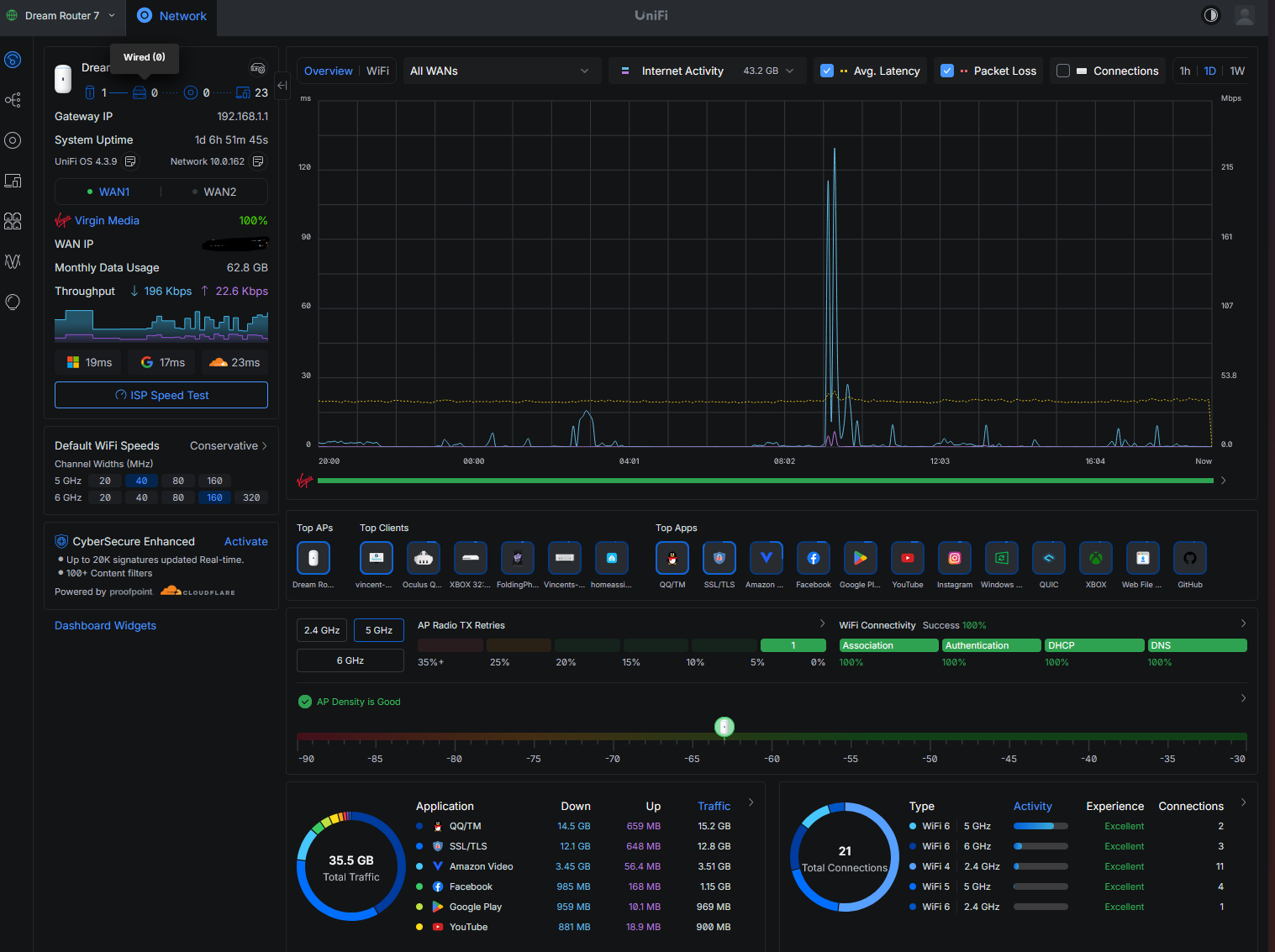
- The “Gateway” Drug: Once you open the UniFi dashboard and see all the data, you start wondering if you need a dedicated switch. And maybe an extra Access Point. And maybe a camera. It’s a slippery slope.
- Setup Complexity: It's definitely not plug‑and‑play like the Asus. You actually have to know a little bit about what you're doing (or be very good at Googling).
The Verdict
Setup was slick, the interface makes me feel like I’m commanding a spaceship, and my speeds are blazing.
RIP Asus. You served me well, but it’s time to start Dreaming. ☁️